

VoiceSync is a powerful temporary voice channel bot designed to make your server’s voice experience smooth, customizable, and rewarding. It automatically creates and manages temporary voice channels, giving users full control without cluttering your server with unused VCs. Every session feels intentional, clean, and private.
/vc follow block.
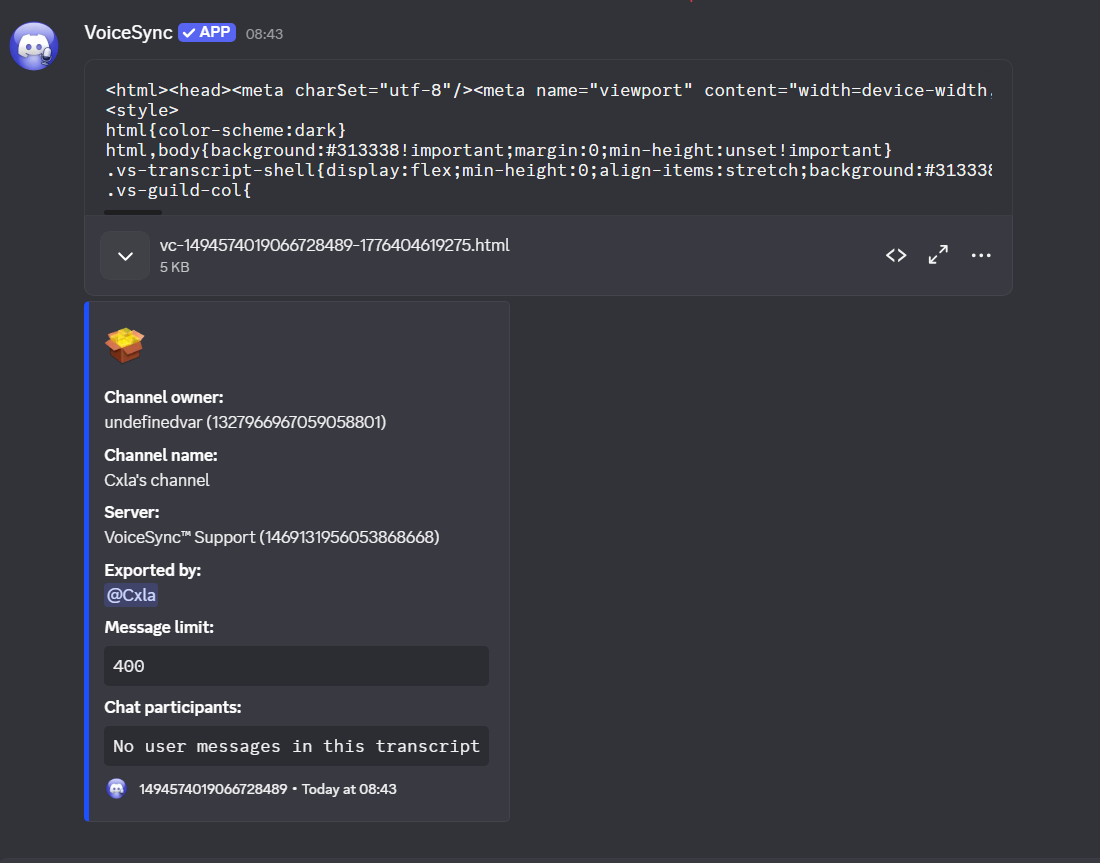
Run /transcript from the voice channel you want to export. Use the optional limit
option to control how much recent message history is included.
Do you want to invite this bot?
Name: VoiceSync
VoiceSync has a web interface for managing your server from the browser. Sign in with Discord and open the dashboard to get started.
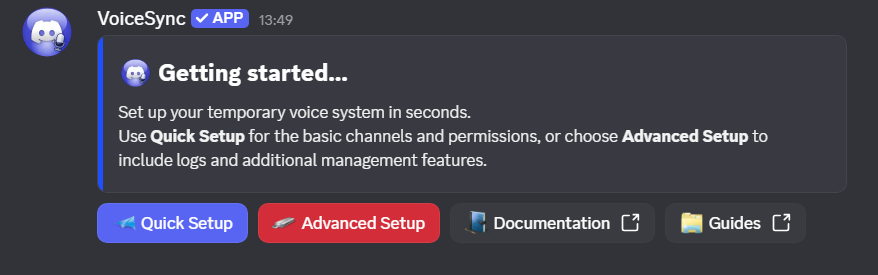
By executing one simple command your temporary voice channels will be created and managed automatically.
VoiceSync automatically creates temporary voice channels using the highest bitrate your server is permitted to use, instead of Discord's default 64 kbps.
This provides better audio quality with reduced compression, clearer voice reproduction, and better speaker separation, all without requiring any manual configuration.
VoiceSync is available in the following languages. Server admins can set the bot’s language using /settings guild.
More languages are planned—if you’d like to help translate VoiceSync, you can apply to become an official translator.
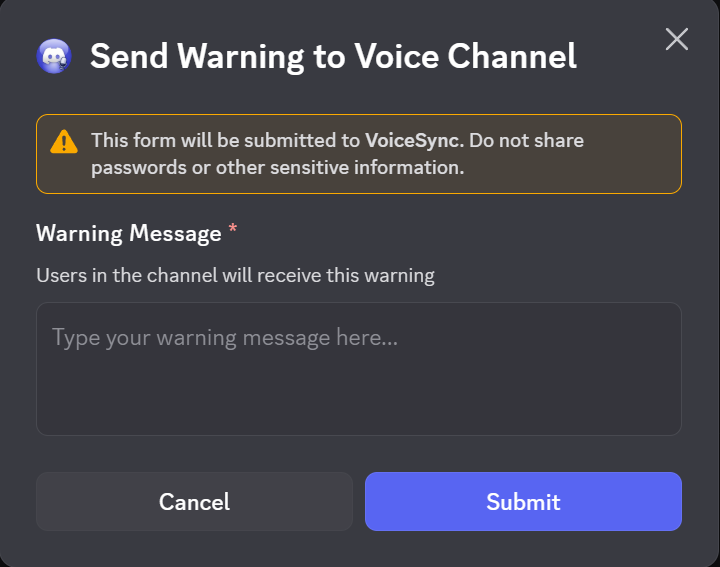
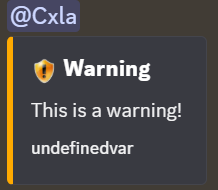
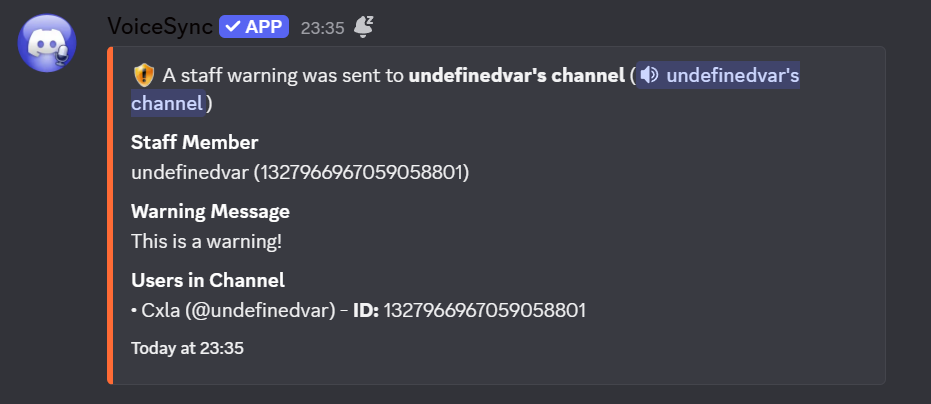
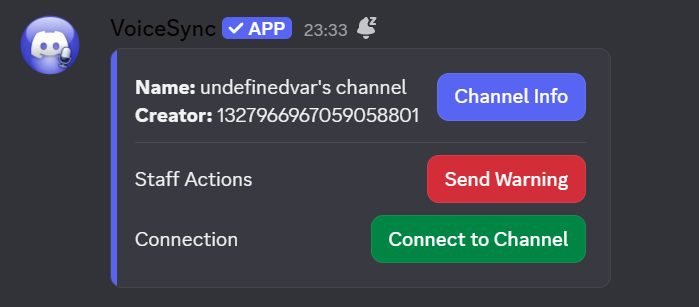
Temporary moderators is a feature exclusive to VoiceSync. It allows you to give temporary moderation powers to a member in your voice channel so they can kick, ban, unban, hide, reveal, limit, and overall manage your voice channel for you.
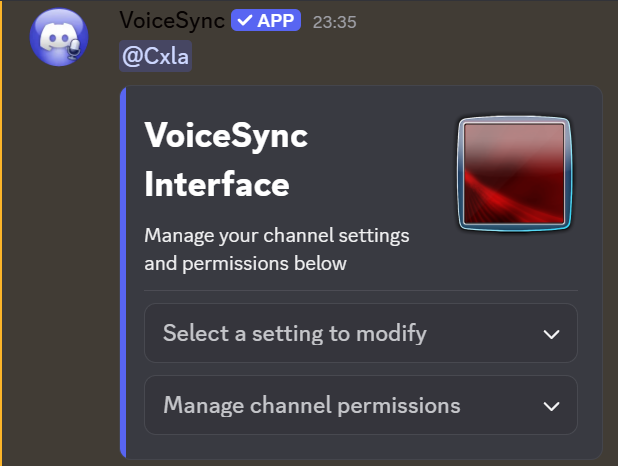
Admins can disable tempmods per setup using /toggle set. Channel owners can also customize which actions each temporary mod is allowed to perform through the in-voice interface.
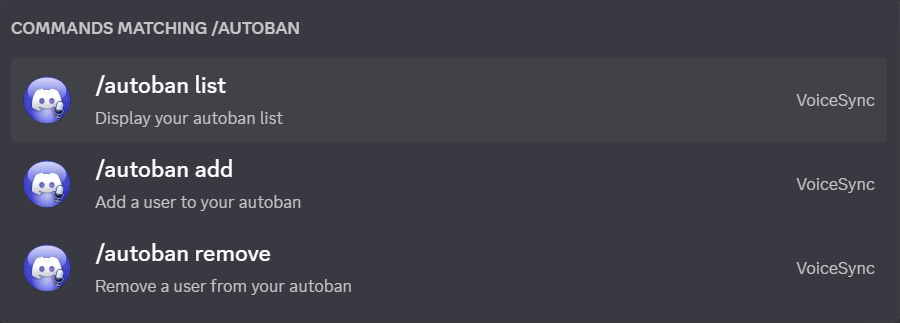
Autoban is a feature exclusive to VoiceSync, it eliminates the need of modifying your Discord client to use third party plugins it allows you to add members to your autoban list and have them automatically banned from ever joining your voice channels. Each user is allowed 5 slots by default. Guardian, Gatekeeper, Warden, and Overseer tiers raise that limit up to unlimited slots. If you wish to upgrade your tier, you can do so by clicking here.
User Follow is a feature exclusive to VoiceSync. It allows you to request a follow on a user, and upon their acceptance you get to follow them around freely wherever they go—without having to navigate voice channels by yourself.
/vc follow block user or press Block on an incoming request./vc follow blocks or from the dashboard./profile and press the Follows button to turn follow requests off.